GIF Keyboard by Tenor
Tenor Google
Downloads
50,000,000+
Source
Google Play
Advertisement
Click to download now, finish the installation quickly, and directly unlock the all-round experience
Advertisement
Screenshots
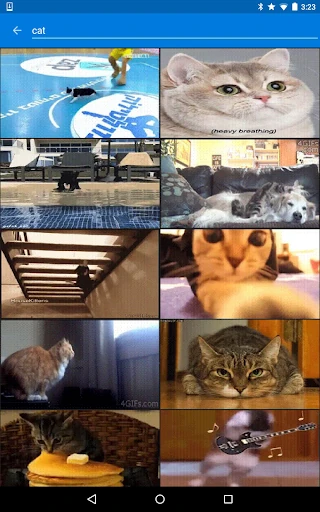
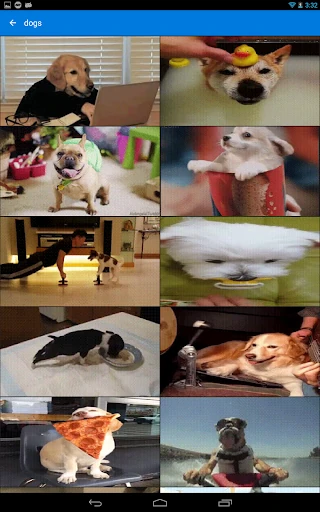
Click to download now, finish the installation quickly, and directly unlock the all-round experience
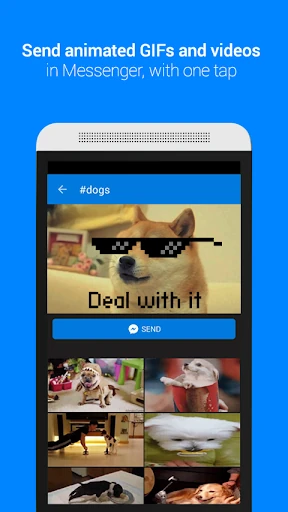
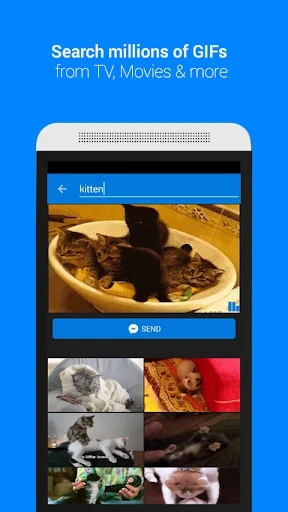
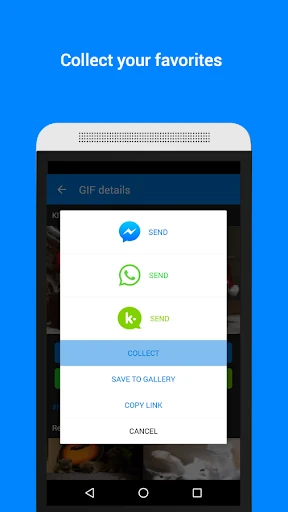
GIF Keyboard by Tenor lets you look for GIFs from a keyboard and use them in conversations, rather than switching to a separate GIF search app. Search by a word or emoji, or browse suggestions when you do not have a specific reaction in mind. It may suit people who often reply with animated images; if you rarely send GIFs, a separate keyboard may be extra setup for little benefit.
Using it means selecting a third-party keyboard in Android’s input settings. A keyboard handles what you type, so pause at Android’s keyboard privacy notice and read the app’s permission and privacy information before enabling it. Check whether it asks for access beyond what you expect for finding and sharing GIFs. You can keep your usual keyboard available and switch back when you want to enter sensitive information.
Listed under Video Players & Editors, GIF Keyboard by Tenor is published by Tenor Google. It has a 3.7-star rating from 258,241 ratings and 50,000,000+ installs. That reach suggests many people have tried it, but the rating is not a guarantee that it will fit your device, privacy expectations or preferred messaging apps. Read recent reviews for issues relevant to your use, then decide whether the keyboard access is worth the convenience.