Advertisement
Click to download now, finish the installation quickly, and directly unlock the all-round experience
Advertisement
Screenshots
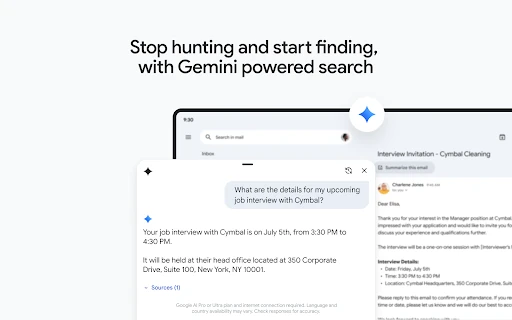
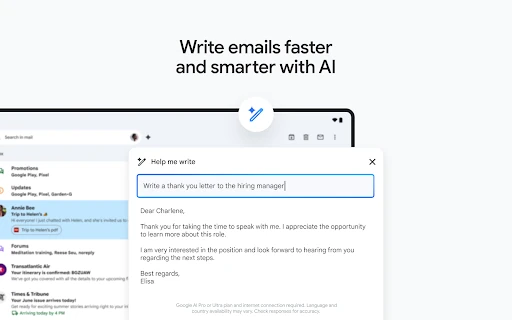
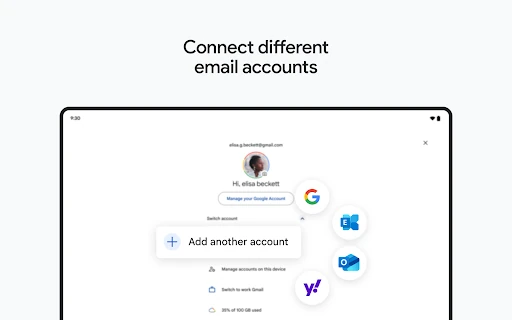
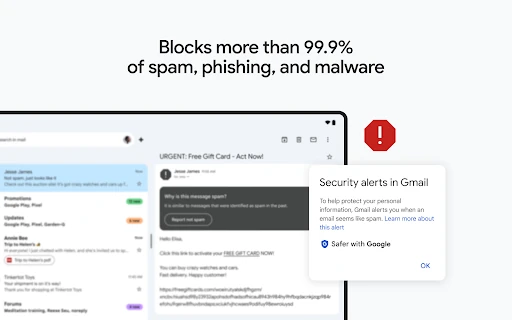
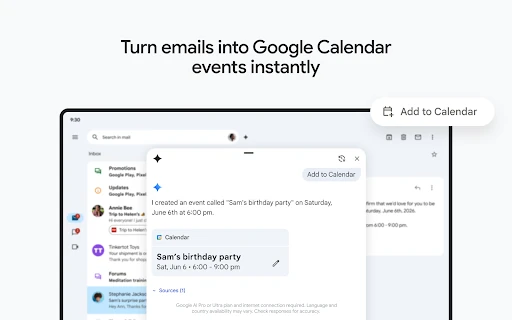
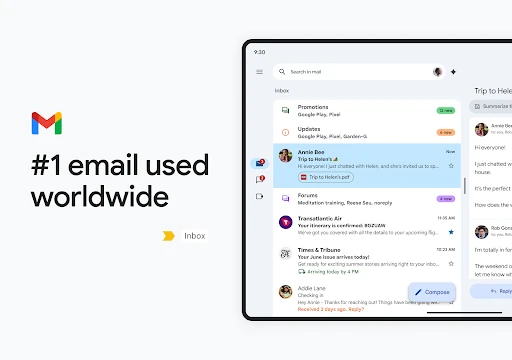
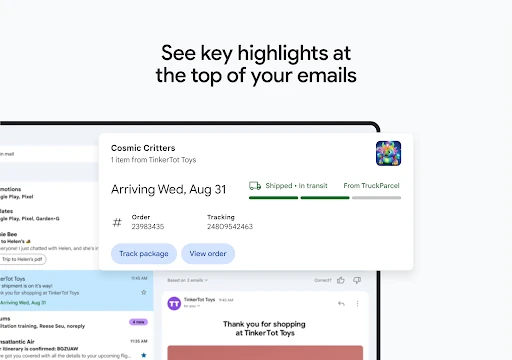
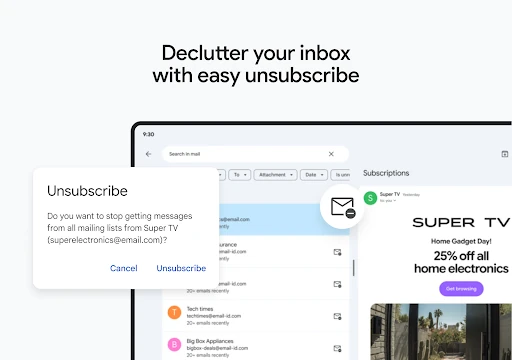
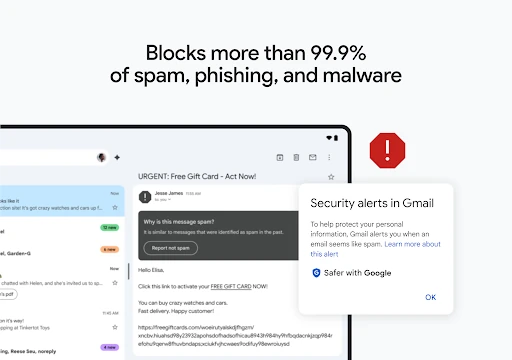
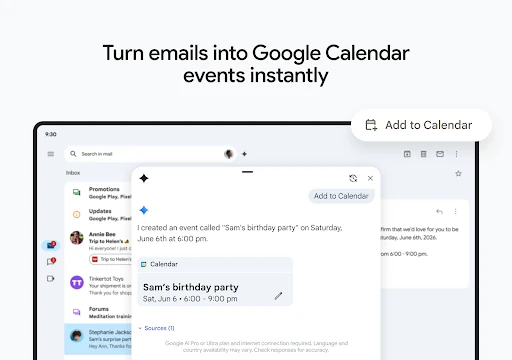

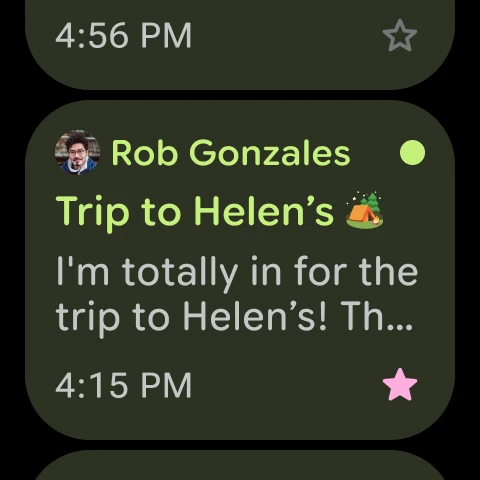
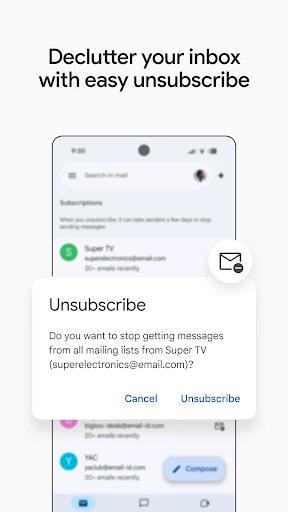
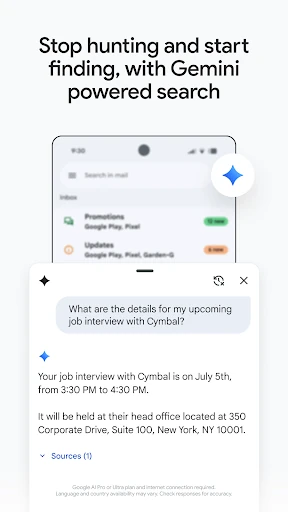
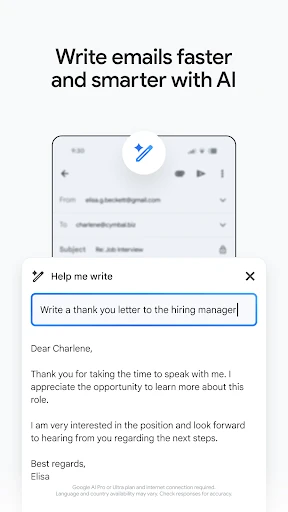
Click to download now, finish the installation quickly, and directly unlock the all-round experience
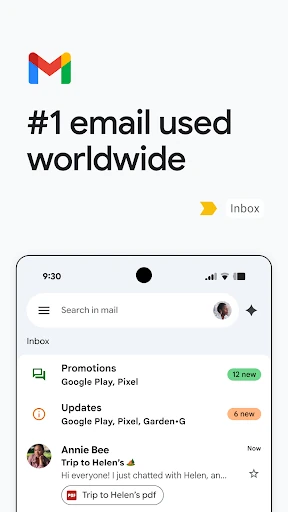
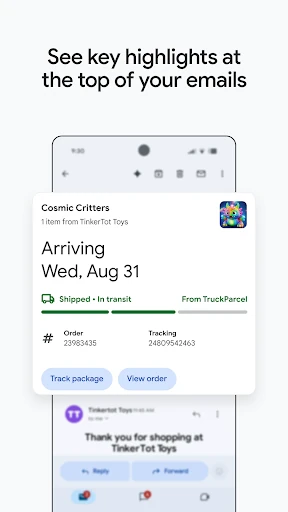
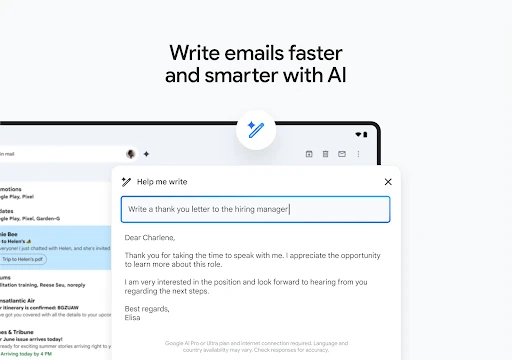
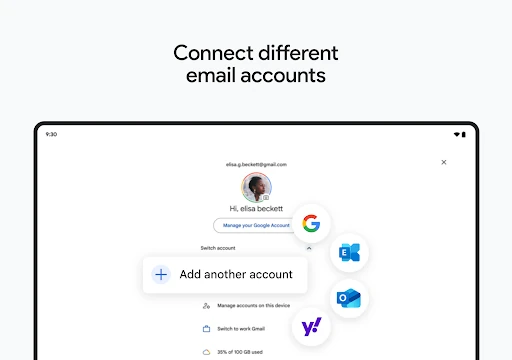
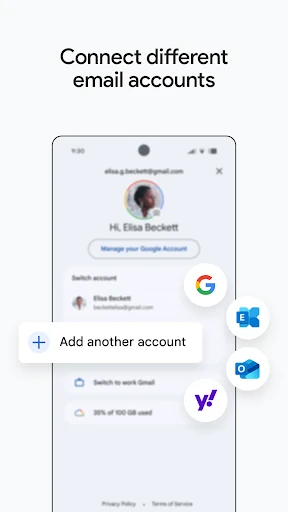
Gmail is an Android email app for reading, sending and organizing messages. It suits people who want to manage a Google inbox on their phone, and can also be useful if you keep more than one email account in the same app. If you mainly need a simple way to check messages, start by considering whether you want another app tied to your email accounts and their settings.
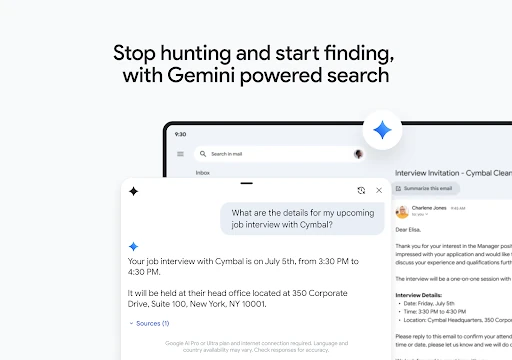
Before choosing Gmail, think about how you handle email now. Do you need to switch between personal and work accounts? Do you rely on labels, search or other inbox tools? A feature-rich mail app can help with a busy inbox, but it may be more than you need if you only check messages occasionally. Consider whether you are comfortable using a Google app for this part of your communication.
Gmail is published by Google LLC in the Communication category. Its listing shows a 4.11 rating from 14,166,839 ratings and 10,000,000,000+ installs. That scale can indicate broad use, but it does not tell you whether the app fits your own habits. Ratings also reflect many different devices, accounts and expectations, so treat them as context rather than a guarantee.
The practical question is whether Gmail’s account setup and inbox tools suit your routine. Check those points first, then decide whether it earns a place on your phone.