Record what is on your screen
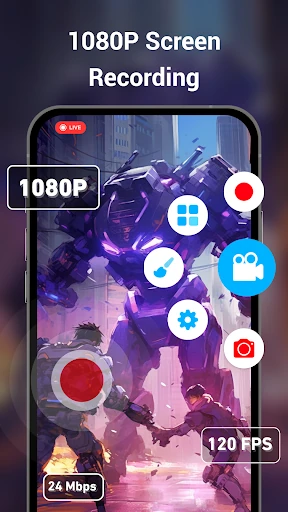
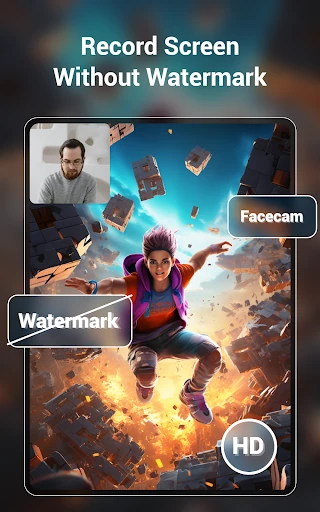
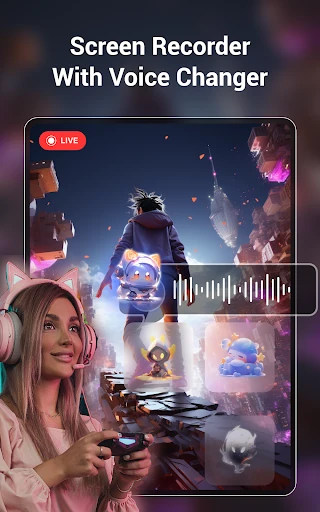
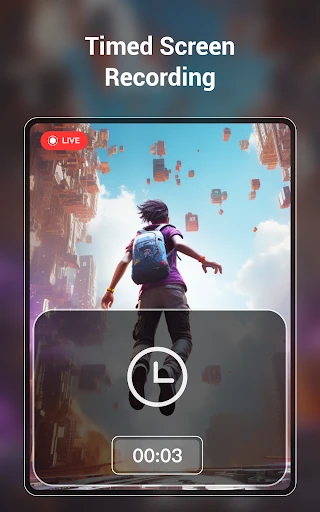
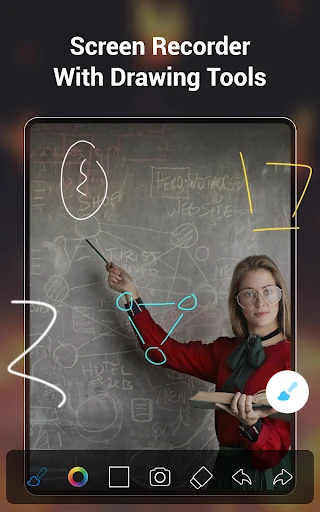
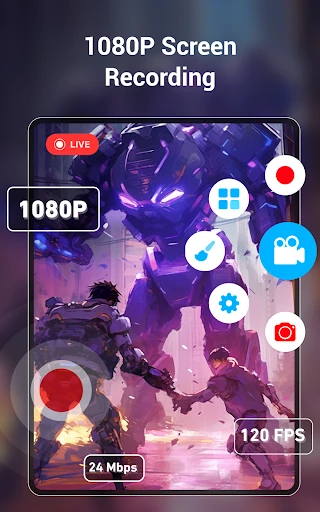
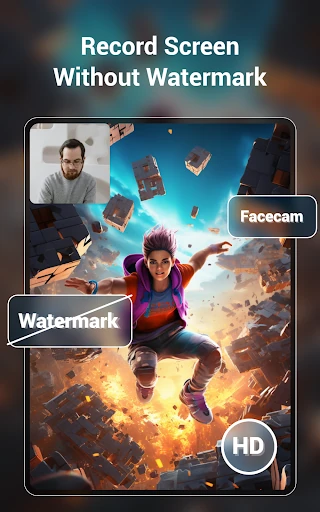
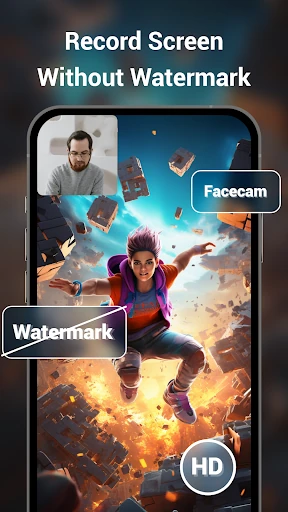
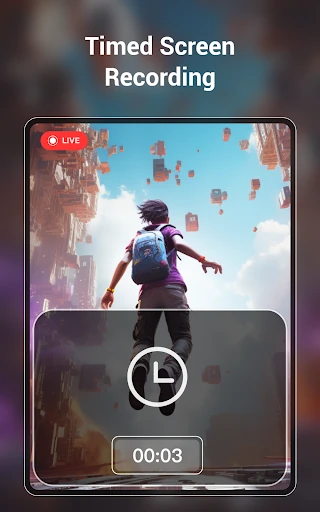
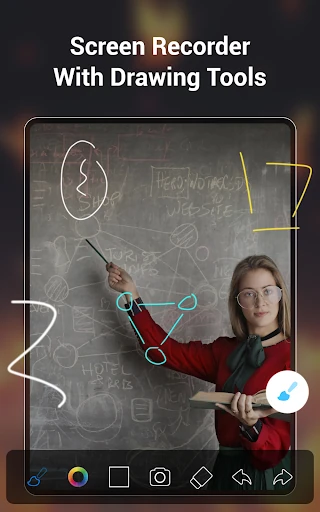
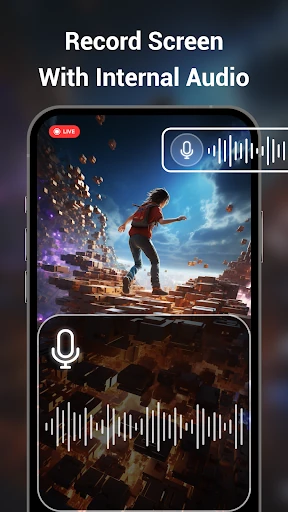
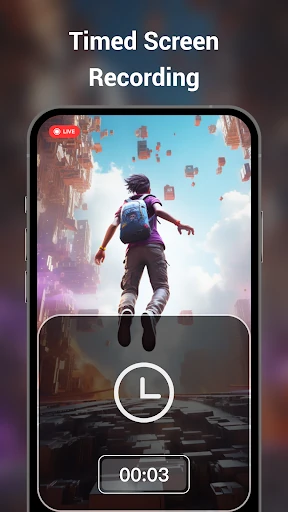
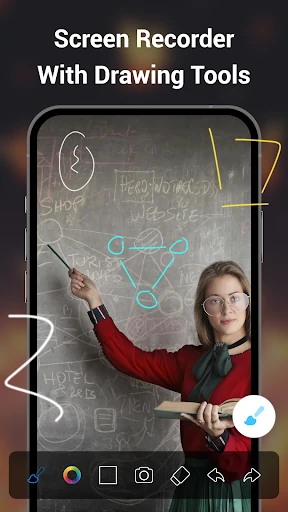
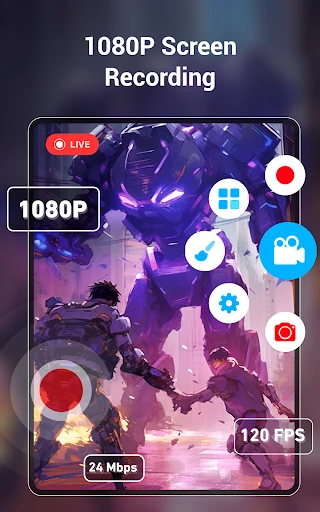
Screen Recorder Video Recorder captures phone-screen video and takes screenshots. It suits people making gameplay clips, tutorials, walkthroughs or other recordings of on-screen activity. You can choose recording settings such as resolution, frame rate and bit rate, and record in portrait or landscape. The app also offers a face-camera overlay, on-screen drawing while recording and an option to capture only part of the screen.
More than recording
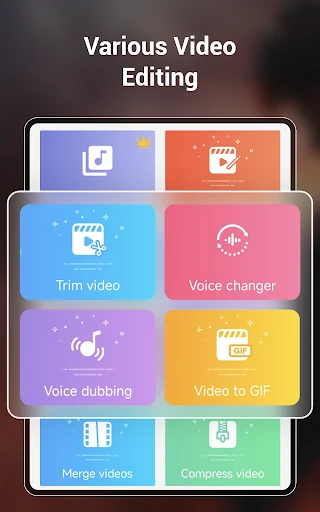
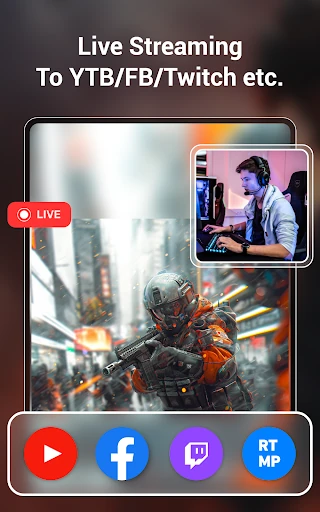
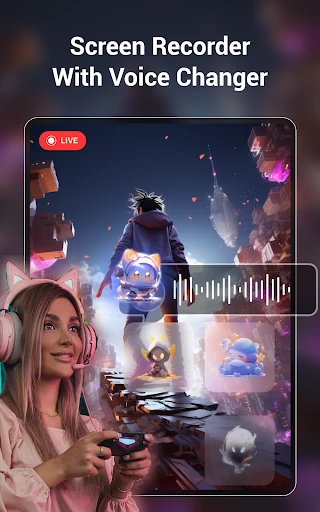
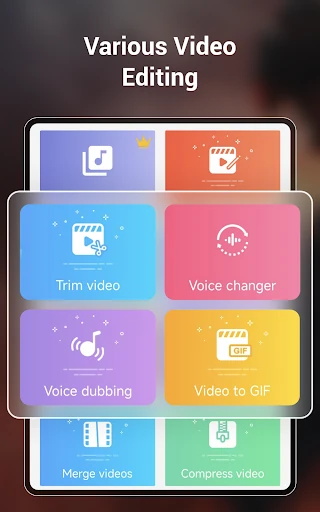
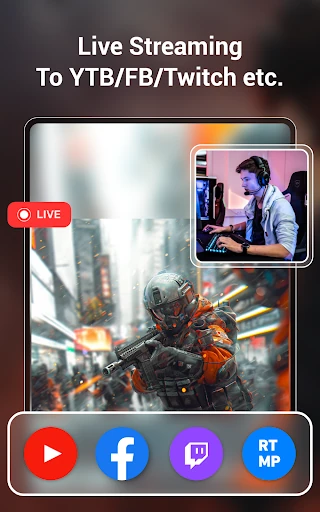
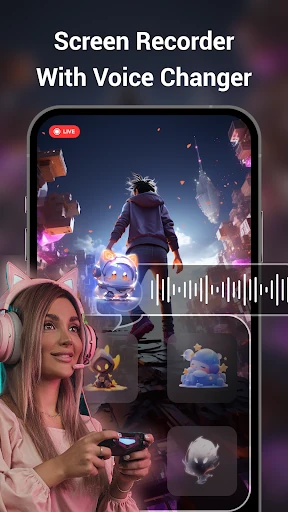
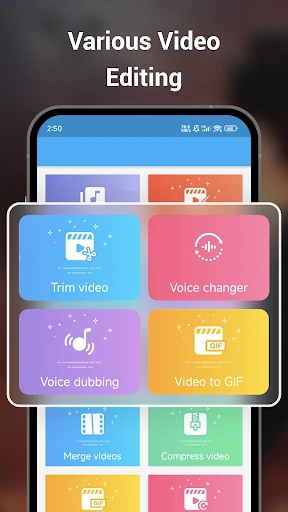
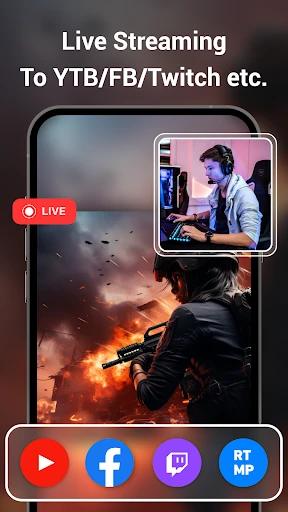
The app includes tools to trim, crop, rotate, join and compress videos, adjust playback speed, add music or voice effects, and convert video to GIF. Screenshot tools include cropping and scrolling captures for longer pages. RTMP streaming is also listed, with options to adjust stream settings and save video while streaming. If you only need a basic recorder, consider whether these extra editing and streaming tools are useful to you.
Check before you commit
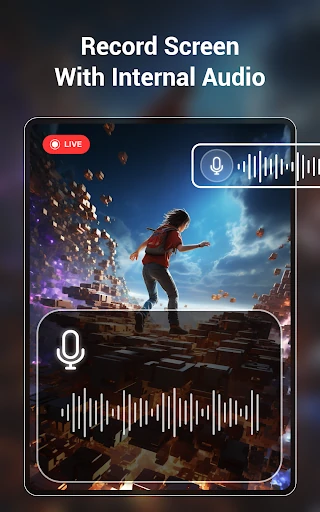
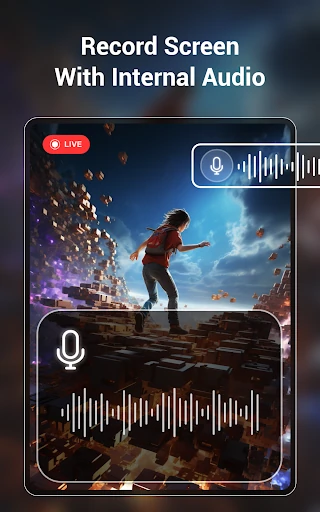
- Test a short recording first. Check that the picture, sound and chosen screen area come out as expected. Internal audio recording is listed, but your results may depend on your device and recording setup.
- Review access requests in context. Screen capture, audio and camera features may involve access prompts. Decide whether each request makes sense for the feature you want to use.
- Check the output options. Recording quality settings can affect file size, and saved clips may need editing or compression before sharing.
Popularity and developer
The listing shows a 4.4 rating from about 451,000 ratings and more than 10 million installs. That is a substantial amount of user activity, but it does not tell you whether the app will suit your phone or workflow. It is published by Video Screen Recorder, Voice Audio Editor, Cut MP3. Check the current listing for any terms or costs before relying on it for regular use.