
Advertisement
Click to download now, finish the installation quickly, and directly unlock the all-round experience
Advertisement
Screenshots
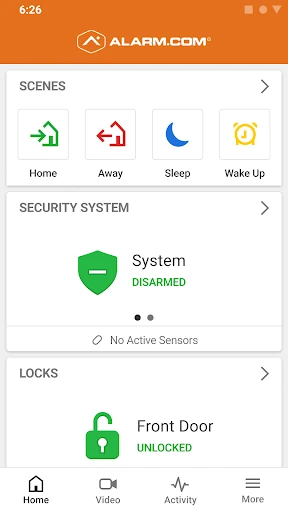
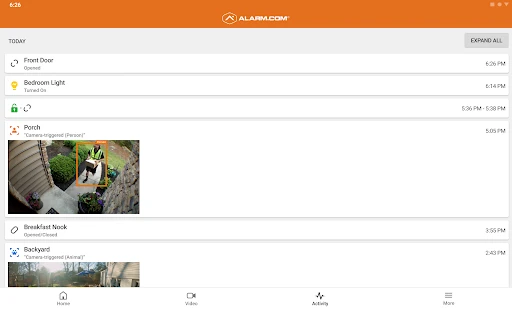
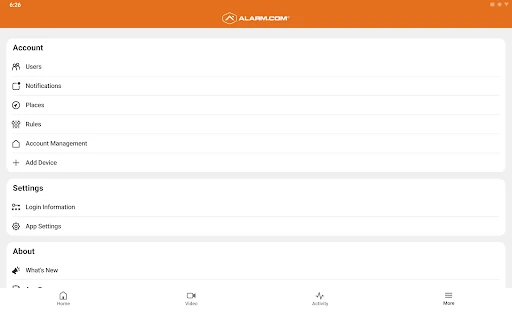
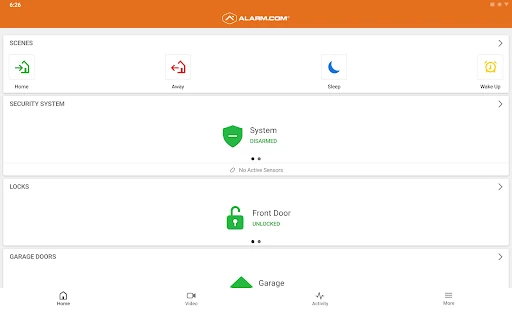
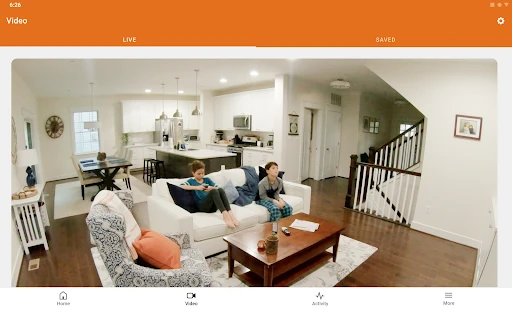
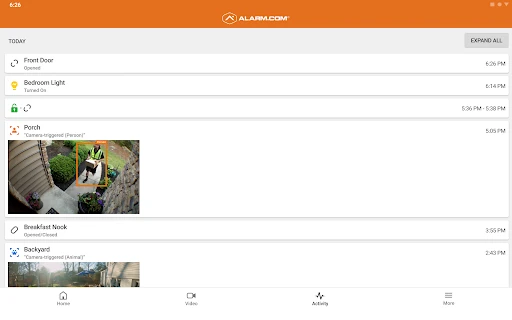
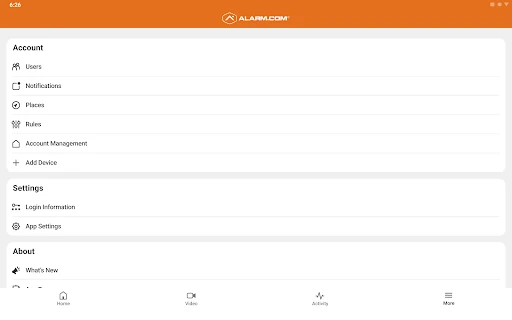
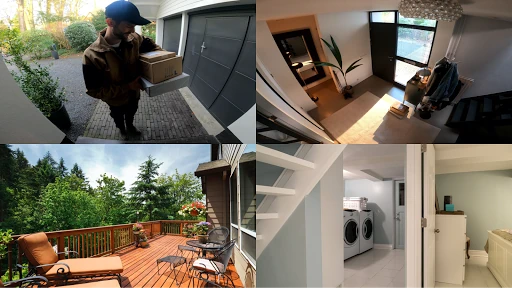

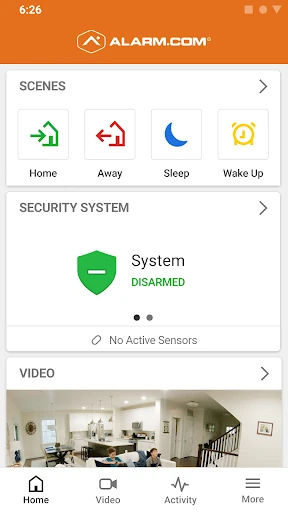


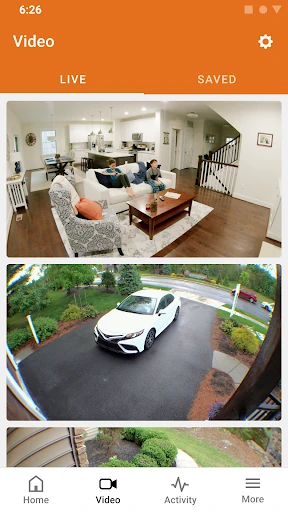
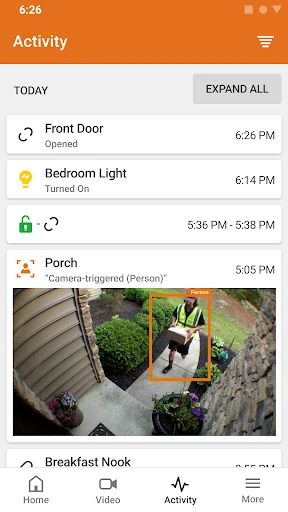
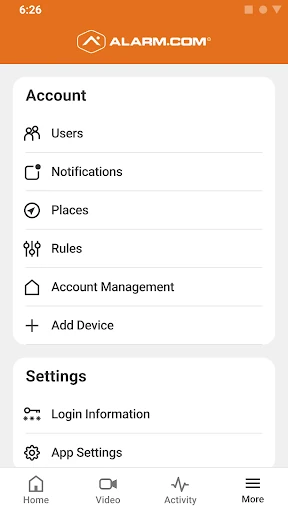
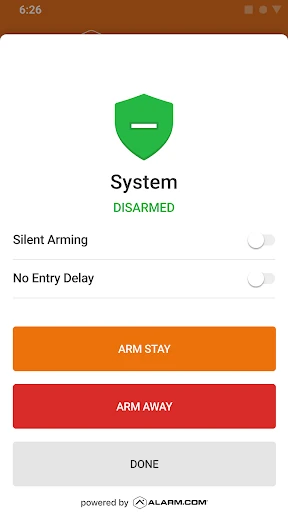
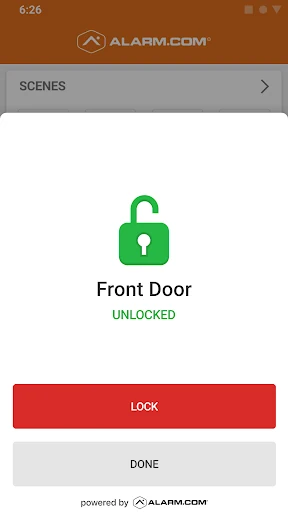
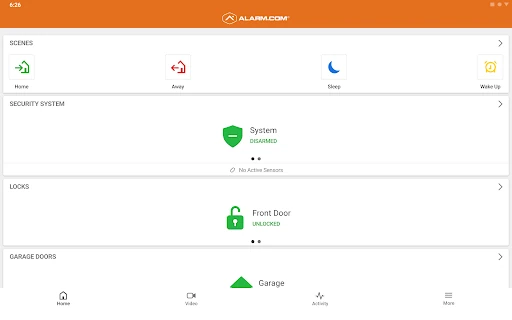
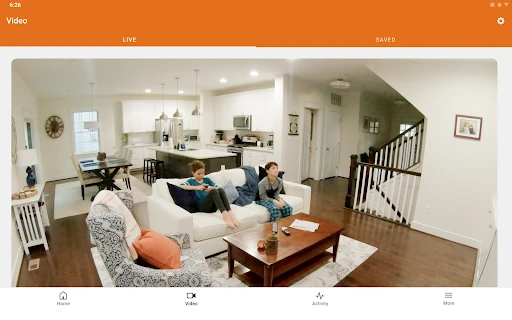
Click to download now, finish the installation quickly, and directly unlock the all-round experience
Alarm.com lets people manage compatible home or business security systems from a phone. Depending on the equipment and service plan, the app can control a security panel, locks, lights and other connected devices, and show camera video. It is for people who already use, or are considering, an interactive Alarm.com service—not a standalone alarm app.
Features depend on the system, installed equipment and service plan. Before choosing the app, check that the provider and hardware you plan to use are compatible, and ask which functions your plan includes. Remote control, camera footage, alerts and automation may not all be available with every setup. Also confirm the ongoing service cost and what happens if the plan changes or ends.
Alerts can report events such as people arriving or unexpected activity, while compatible cameras may offer live or recorded video. Business users may be able to manage more than one location and access permissions. These tools depend on configuration; check how they work for your property rather than assuming every listed capability applies.
The app has a 4.19 out of 5 rating from 37,456 ratings and more than 1,000,000 installs. That is a substantial pool of feedback, though ratings alone cannot tell you whether the app supports your particular equipment or service arrangement. Look for recent reviews that mention your use case, such as camera viewing, business locations or system compatibility.
Alarm.com is worth considering if your security provider supports its platform and you want to check or control connected devices away from the property. It may be a poor fit if you want a free, independent security app or have no compatible system. The developer is Alarm.com Mobile. Check the provider, plan terms, equipment support and app permissions before committing.